How does a battery work?

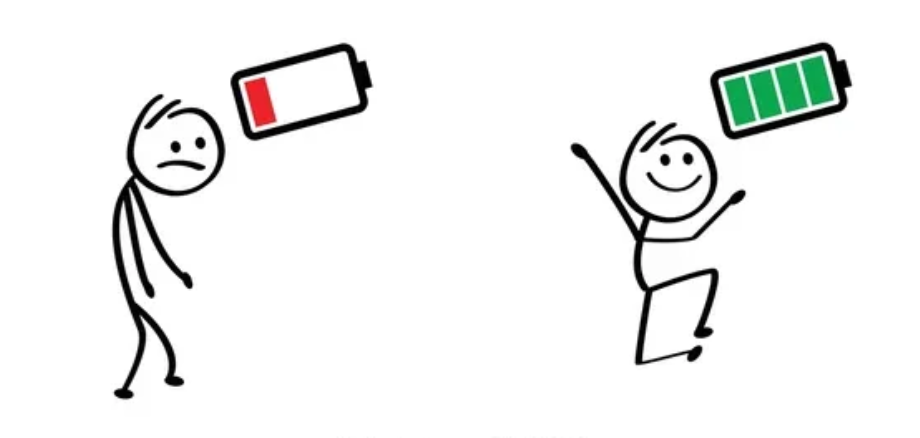
Today, lets take a deep dive to learn about how batteries degrade, how laptops know about it, how power management works, and a software on both Linux and Windows to improve battery health.
1. The Physics and Chemistry of Li-Ion Degradation
To understand battery health management, you must first understand how Lithium-Ion (Li-ion) and Lithium-Polymer (Li-po) batteries degrade. Their degradation is purely chemical and mechanical.
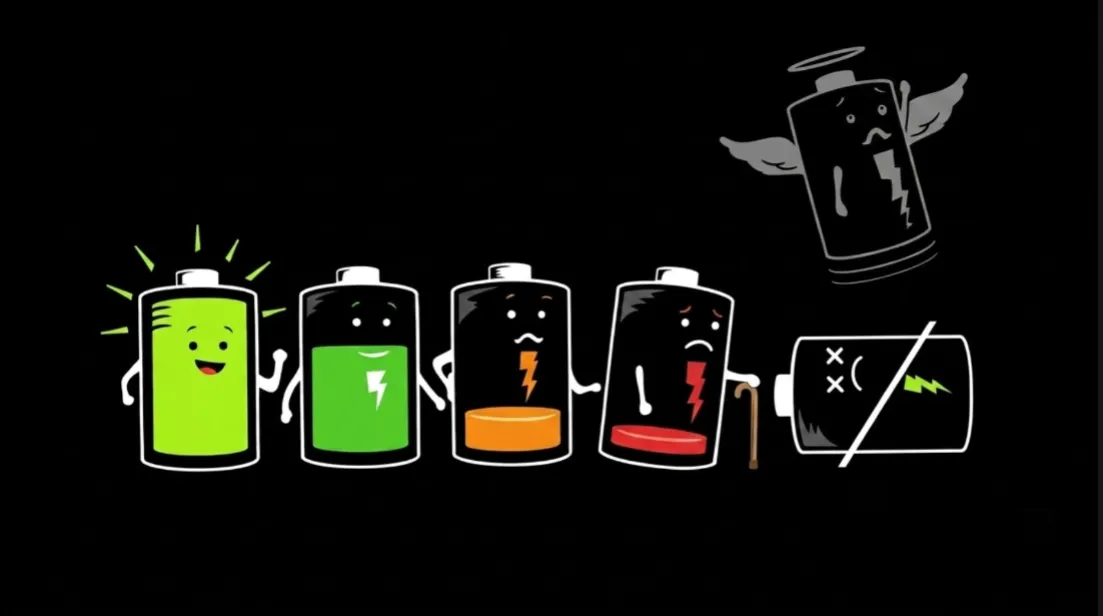
A really good, non technical, explanation of how a battery discharges as follows:
Imagine you’re an evil overlord and one day you decide to take all the married couples of your country, separate them and put them into two adjacent rooms.
Then you tell the group on the second room That they will be able to see their loved ones again but they will have to take a special route that you decided and they will also need to carry a small bag of provisions for you.
Surely the people from the second group take those provisions and eventually reach the other room. Once they get there, the overlord reaps the provisions.
Eventually all the people from the second room manage to reach the loved ones so there are no more provisions to reap anymore.
Source
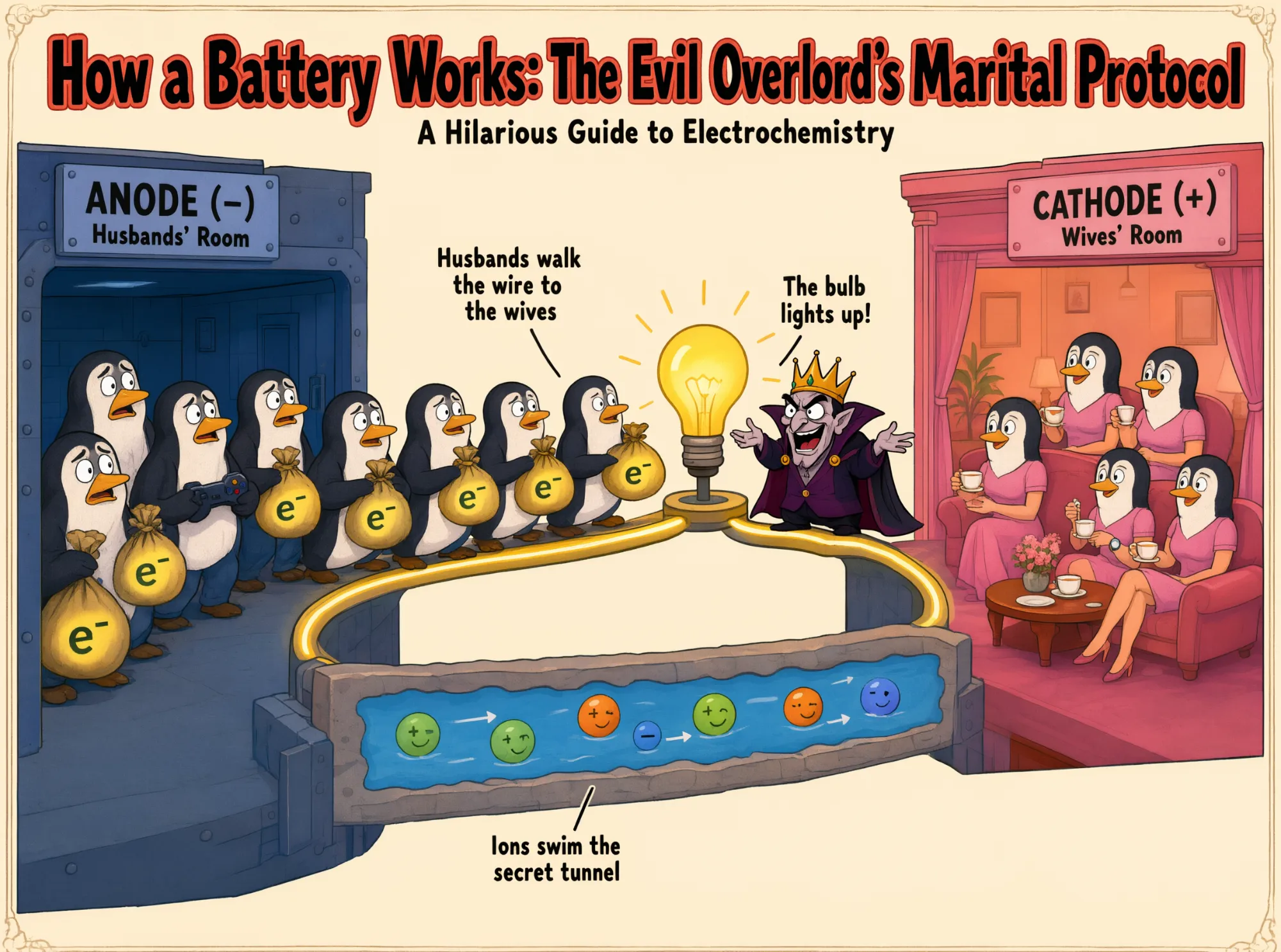
So, we see that electrons move from anode to cathode and that movement produces electrical current. This is discharge. Charging does the exact opposite but forcing the lithium ions back to the starting line. Imagine military of the overlord forcing the spouses back to redo the whole process.
The primary cause of capacity loss is the continuous growth of something called the Solid Electrolyte Interphase (SEI) layer on the anode. Every time the battery charges, a tiny amount of the electrolyte decomposes, thickening the SEI layer.
An electrolyte is just a liquid or paste in the battery through which the electrons use to move between terminals.
This traps some of the lithium inside the battery, leaving less lithium available to store and release energy.
Keeping a battery at 100% charge pushes its voltage to its highest level, usually around 4.2V to 4.35V per cell. At this high voltage, the battery's materials become more reactive, causing the electrolyte to break down faster. This is why storing a battery at 100% charge accelerates aging. This is called Voltage Stress. Just like voltage stress, heat also accelerates the chemical reactions that degrade a battery, such as SEI growth and electrolyte decomposition. A battery charging at 40°C degrades significantly faster than one charging at 20°C.
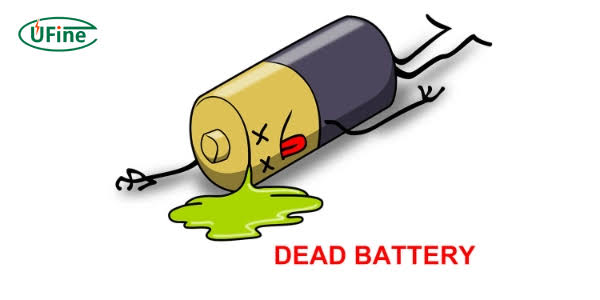
Like all things in life, both extremes are harmful to objects, discharging a battery all the way to 0% puts extra stress on its internal components. At very low voltages, the copper that helps carry current inside the battery can begin to dissolve, potentially causing internal short circuits when the battery is recharged. Repeated deep charge and discharge cycles can also make the electrode materials expand and contract, creating tiny cracks that reduce the battery's ability to store energy.
The Golden Rule of Battery Health
- Keep the battery cool and avoid deep discharges (0%)
- Avoid prolonged high-voltage states (100%), like leaving your phone plugged in overnight.
- Keep the percentage between 40%–60% ideally.
This is part 1 of 2 part series on how a laptop knows its battery percentage. Show support in the comment if you are interested.
byeeee